
With Looker Studio - Release - February 5, 2026

Nothing beats starting the week by exploring the latest Looker Studio features! Below, you will find everything you need to know about these new updates, along with my personal take.
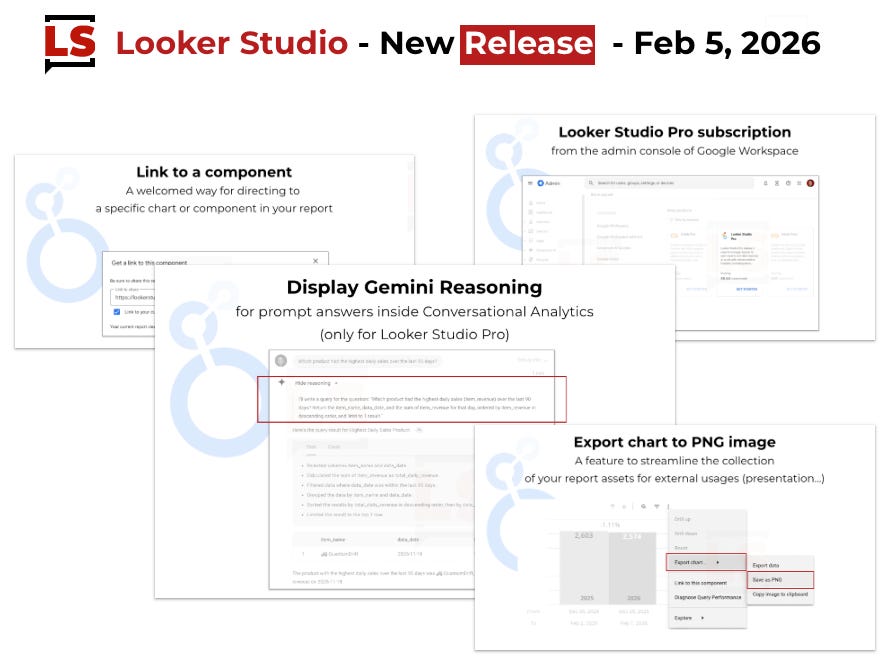
Let’s dive in!
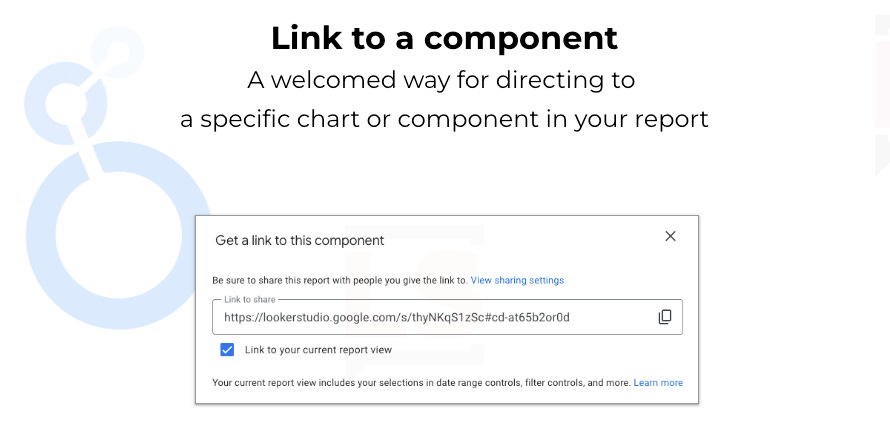
Link to component
You can now generate a link directing a specific chart or component in your report.
A nice way to refer to data in a report and drive team members to the good section in the report.
Right click on a component of the page
Click on “Link to this page”
Turn off “Link to your current report view” if you don’t want to keep the applied current filter settings (so keeping or not the context of exploration)
Copy the link in your clipboard
End Use it in your communications!
Small suggestion:
Now, imagine if those links to component could be used also directly in your report links as anchors?! Unfortunately, it is not possible for the moment. My first reflex was to test it when I heard about this new feature.
We definitely need anchors: going to a section in the middle of the page, back to the top of a page, sending to exploration section...
Asking to the LS team to get this extension of feature is in my todo list 😇🤞
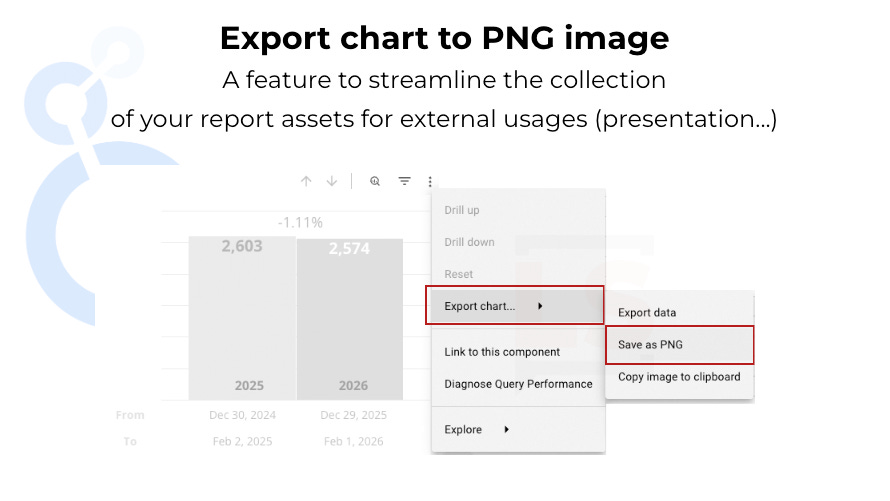
Export Chart to PNG image
An feature to streamline the collection of yoru report assets for external usages, like preparing slides for a presentation.
I have mixed feelings about this feature. When designing Looker Studio reports, we often rely on workarounds, tricks or combine multiple charts to create what appears to be a single visual for the reader. In such cases, the exported image might lead to confusion due to the discrepancy between the export and the actual report. We will have to see...
Additionally, I noticed some side effects depending on how style configurations are distributed across the chart, page, and report levels. For instance, a chart will be exported as white on white if the background color is set at the page level (ex: black) while the text color is configured at the chart level (ex: white).
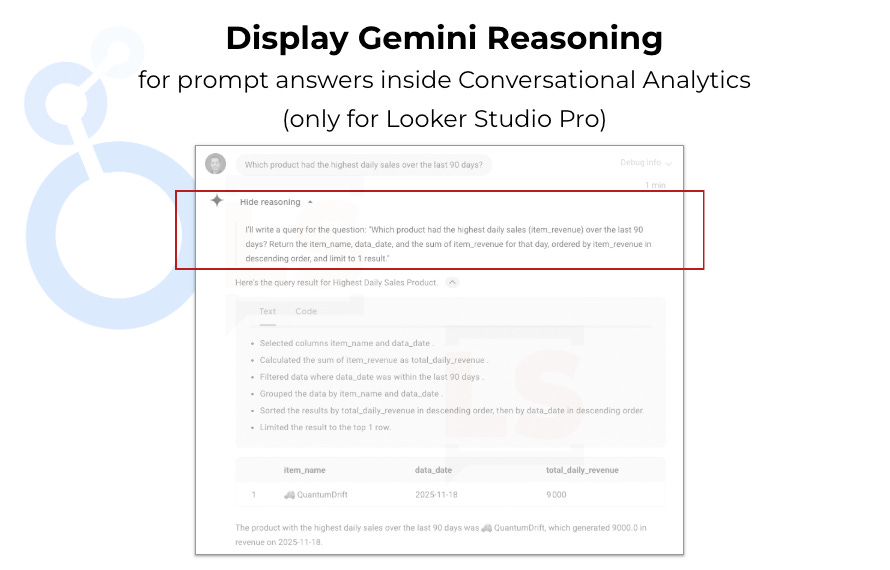
Conversational Analytics: Show reasoning
(only for Looker Studio Pro Users)
A new feature to display the way your prompt have been interpreted by Gemini through several steps.
For simple prompts, the reasoning text just aligns with the initial wording leading to “how was this calculated”. However, for more analytical prompts, this information helps identify potential formula or interpretation issues.
Beyond this welcome addition, Conversational Analytics is becoming increasingly powerful, and the SQL generated and executed on BigQuery tables has significantly improved regarding aggregation logic.
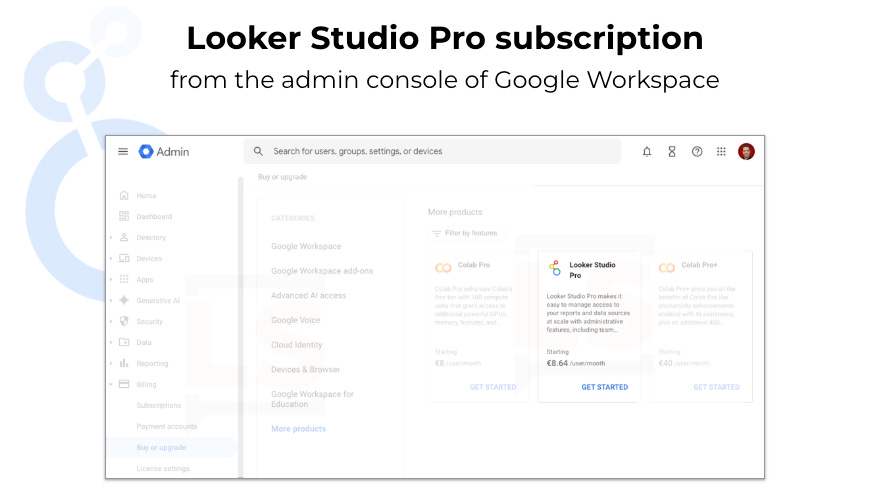
Looker Studio Pro subscription from Google Workspace Admin console
For Google Workspace administrators, this offers a more centralized way to manage Looker Studio Pro subscriptions, one that is more natural from a governance standpoint than using the Looker Studio interface.
Voilà for this release.
Still energized by last week’s Superweek event, I’m back with a full tank of content ideas. If you’re interested, you know where to find me. And if not, I’ve got you covered below.