
Teasing an upcoming template: Google Analytics data & Shapley value visualisation inside Looker Studio

If there is one sentence in the world of #analytics that truly gets under my skin, it’s the one that starts with: “Is it normal if… <here an obvious anomaly>...?”
This kind of framing is a terrible way to start a productive conversation, but let’s look past that for a moment.

The truth is, it is never normal. Anomaly flags usually pop up because:
Missing Context: The person looking at the data lacks the specific business context needed to understand the observation.
Broken Thermometer: The analytics setup is partially broken and no longer reflects actual business performance.
Hidden Complexity: The situation requires a deep statistical dive to decode what’s happening and find a workaround.
Misunderstanding: In rare cases, the observation itself is simply wrong due to a lack of knowledge.
…
Regardless of your maturity level or the resources at your disposal, you need the right tools to react quickly.
Designing for Clarity
The way we design dashboards and interactive reports should serve as the first and second lines of investigation. A digital analyst’s job is to live and breathe the client’s business context and translate those stakes into a robust data collection environment.
Whether you are a data viz specialist or a generalist, your reports must leverage circumstantial knowledge, which includes knowing exactly who is going to read them.
If you know me, you know I love this part of the job: 🎨 creating interfaces that fit the context, stripping away cognitive load, delivering clear insights (or at least clear data) as efficiently as possible, and pushing the boundaries of Looker Studio 😉...for sure...there is no spoon.
It is also important to find solutions that work for the many:
High standards of quality
Using the most widely deployed software, often free
Accounting for real-world constraints
Store of Premium Looker Studio templates, soon
This is why I will launch soon a store dedicated to Premium Looker Studio templates. I know I’ve been saying “soon” for a while now... but you know how side projects go.
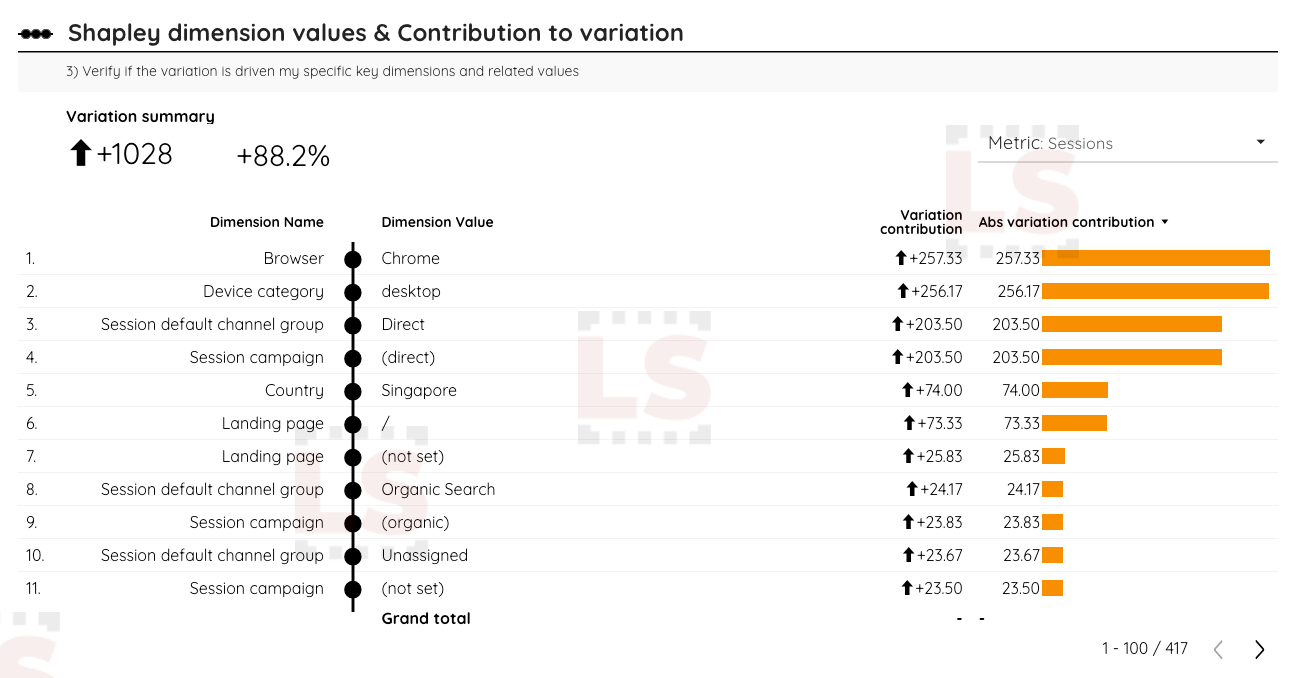
The first template will be dedicated to GA4. Among the thirty-odd pages currently in design, it includes the tool shown in the video below: a reporting page designed to give you an instant status assessment when you or your team spot a temporal anomaly.

Unsuspected sophistication data preparation and visualisation inside Looker Studio
I’ve managed to reproduce Shapley values directly within Looker Studio, without any external data preparation. Challenging but possible 😁
This type of data modelling and its related data viz are incredibly effective at confirming or clearing the usual suspects during a data investigation. In our case, it simply involves calculating the contribution of each dimension and its associated value to the observed variation.
An alternative version of my custom date range comparator
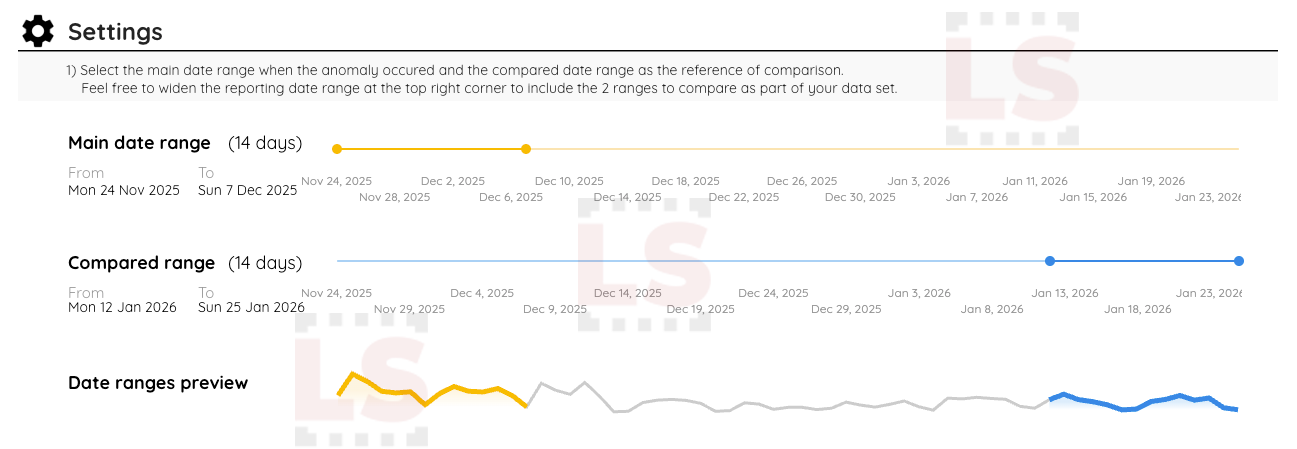
To make this work, I also rebuilt a custom period selector & comparator 📆. It’s much more user friendly than my previous versions, featuring sliders that make easier the selection of short time frames. I shared on LinkedIn a sneak peek of this a few days ago using Google Search Console data.
That’s all for now, just a first taste of the Premium Looker Studio Template for Google Analytics that will kick off my store 🛒 . And it is built on the native GA4 connector.
I probably won’t be able to resist showing you a few more innovations before the launch... I have some very cool things in the works regarding year-over-year analysis, e-commerce journey...but I’ve already said too much.
Mehdi, With Looker Studio
Stay tuned.